 ReelGenie
TikTok slideshow preview and size checker
This free checker doesn’t make slides; it checks the ones you already have. Add your slides to see them in a phone as a TikTok slideshow or an Instagram carousel, in order, with a list of what passes and what to fix before you post: slide count, file type, file size and pixel size. Nothing is uploaded.
Or drop up to 20 JPEG, PNG or WebP images here.
Not uploaded. Your images stay in this browser tab. They are never sent to ReelGenie or anyone else.
Your slides show here, the way they look in the app.
Checks
These are the checks ReelGenie runs before sending. The platforms can still refuse a post for other reasons.
Slides Drag a row, or use the arrows, to reorder
What the checker looks at
The tool previews a TikTok slideshow or an Instagram carousel and runs the same checks on your files that ReelGenie runs on a post before it is sent. They are ReelGenie’s checks. TikTok and Instagram can still refuse a post for other reasons, such as the account’s own limits.
| Check | TikTok slideshow | Instagram carousel |
|---|---|---|
| Slides in a post | 1 to 20 | 1 to 20 |
| File type | JPEG or WebP. PNG is refused | JPEG, PNG or WebP. JPEG is the safe choice |
| Pixel size | Shorter side up to 1080, longer side up to 1920 | Every image in the same shape |
| Each file | Up to 8 MB | Up to 8 MB |
| All files together | Up to 12 MB | Up to 12 MB |
| Caption | Up to 4000 characters, 2 of them taken by the blank line ReelGenie puts before hashtags | Up to 2200 characters and 30 hashtags |
Each file must also open as a real image of the type it claims to be, with no more than 40 million pixels. A JPEG has to finish at its own end marker: one with extra data after it is refused, and re-exporting it fixes that. Sizes are read as they are stored in the file, so a phone photo saved sideways with a rotation tag is measured sideways, the way ReelGenie records it.
In the phone, the TikTok view shades the bottom of the screen, where TikTok puts the caption, and the right-hand side, where it puts its buttons. Keep text out of both. The Instagram view shows each image cut to 4:5, the tallest shape we suggest for a carousel, so you can see what a taller slide would lose.
How to make the slides
Make each TikTok slide 1080 × 1920 pixels and save it as JPEG. For an Instagram carousel, 1080 × 1350 is a good size, and every image has to be the same shape.
- By hand. Any design tool works. Export JPEG at the sizes above, then add the files here to check them.
- Have Claude make them. Claude can write the hooks and the slide text and render the images. Automate TikTok slideshows with Claude Code walks through it step by step.
- For an app. TikTok slideshows for app marketing has formats and hook ideas, with a slide-by-slide example.
This doesn’t generate slides
This page is a preview and a checker. It is not a slideshow maker or generator: it doesn’t create images, write captions or add music, and it doesn’t post anything. You bring finished slides and it shows you how they will look and whether they pass ReelGenie’s checks.
The one change it can make is a copy. If a slide is a PNG, larger than 1080 × 1920, stored sideways or has extra data at the end, the tool can make a clean JPEG copy, in your browser, for you to download. Your original file is not changed.
Post these with ReelGenie
When the slides pass, ReelGenie can send them. Your AI agent (Claude, Claude Code, Codex or another MCP client) saves the same files as a post. You open the review link, check every slide and the caption, and approve. ReelGenie then delivers the post to TikTok and Instagram and shows a result for each account.
On most TikTok accounts the slideshow arrives as a draft in your TikTok inbox, where you add a sound and post it. Instagram needs a professional (creator or business) account.
Free forever: 30 posts a month, 1 brand and 3 connected accounts. Your agent’s plan is separate. See pricing or try the review screen without signing up.
From checked slides to a posted slideshow
Once your slides pass here, this is what posting them with an agent and ReelGenie looks like, shown with a made-up app’s week of posts.
- 1Your agent suggests ideas from your saved brand notes, and you choose one.
- 2It saves the finished slides to ReelGenie as a private post, unsent.
- 3You check every slide and the caption, then approve the accounts and time.
- 4Each account reports: live on Instagram, or a TikTok draft where you add a sound and post.
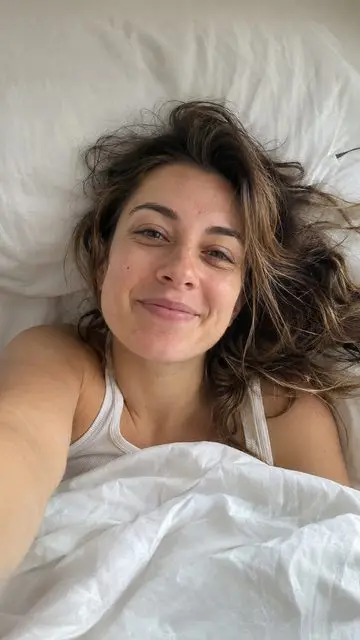 ▷ 1M
 3 MISTAKES
3 things ruining your sleep (you do #2 every night)
A · The mistakes
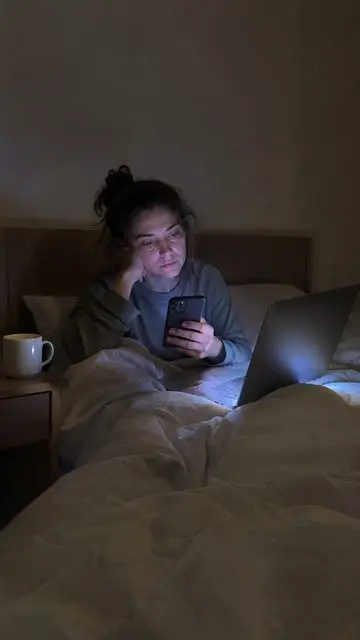
 7-DAY TEST
I banned my phone from the bedroom for 7 days
B · A 7-day test
 1 HABIT
the 1 habit that stopped my 3am wake-ups
C · One habit
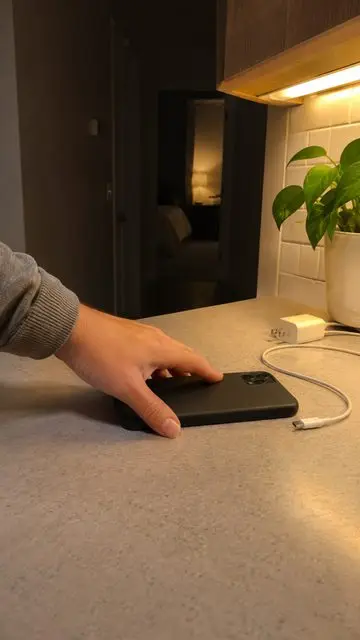
7-DAY TESTno phone in the bedroom for 7 days
 7-DAY TEST
lights out at 10pm for 7 days
 7-DAY TEST
no coffee after 2pm for 7 days
 7-DAY TEST
morning sun for 7 days
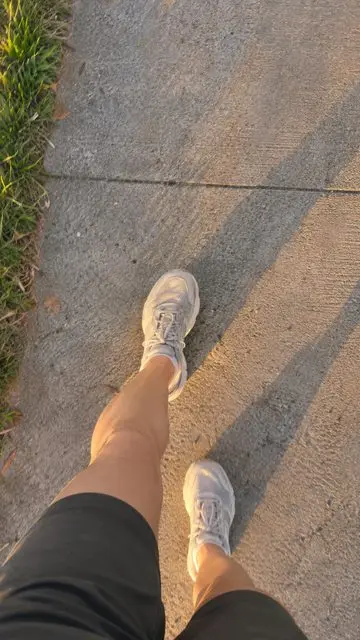 7-DAY TEST
a walk every evening for 7 days
7-DAY TESTno phone in the bedroom for 7 days
7-DAY TESTno phone in the bedroom for 7 days
7-DAY TESTno phone in the bedroom for 7 days
Made-up creator, app and numbers, for illustration only; the animation posts nothing.
Slides pass? Send them without uploading them again. The free plan covers 30 posts a month, and the demo needs no account.
No slides yet? Where people make them
This page can’t help until the slides exist. People usually make them in one of three places: TikTok’s own Photo mode, which turns photos on your phone into a swipeable post with music; CapCut or Canva, which both have upright slideshow templates; or an AI agent such as Claude that writes the text and renders each slide. Each of those is a good place to start. Come back here with the finished files to check them before they go out.
Check the order and the first slide before you post
The first slide is what people see in the feed, so its words have to read on a small screen and stay clear of the caption area. Drag the rows in the tool to try another order and step through the phone to read it as a viewer would. Your new order lives only in this tab, so rename the files in that order before you upload them anywhere else.
Why a slideshow looks blurry or cropped
- Too big. Apps that post for you can send TikTok photos up to 1080p only, and ReelGenie stops a larger slide before it is sent. Export at 1080 × 1920 rather than bigger.
- Too small or squeezed. A low-resolution or heavily compressed image looks soft once it fills a phone, so export at full size and high JPEG quality.
- Mixed shapes. Instagram wants every image in a carousel in the same shape, so a set with mixed shapes gets cut. The checks above flag it.
- Text at the edges. Words near the bottom or right edge sit under TikTok’s caption and buttons; the shaded areas in the phone show where.
Questions about the slideshow preview
- Is the TikTok slideshow preview free?
- Yes. It needs no account and has no limit on how often you use it. ReelGenie’s posting service has its own free plan of 30 posts a month.
- Are my images uploaded?
- No. Your images are read by your own browser and stay in the tab. They are not sent to ReelGenie or anyone else, and closing the tab clears them. If you allow analytics, we count that images were added, never their names or contents.
- What size should TikTok slideshow images be?
- 1080 × 1920 pixels, saved as JPEG or WebP. ReelGenie stops a TikTok photo post when an image’s shorter side is over 1080 pixels or its longer side is over 1920.
- How many slides can one TikTok slideshow post hold?
- ReelGenie takes 1 to 20 images in a post, which is also the most an Instagram carousel can hold, so one set of slides can go to both. TikTok’s own app allows more.
- Why does TikTok refuse PNG?
- TikTok accepts only JPEG and WebP photos from apps that post for you, so ReelGenie stops a PNG before it is sent. Save the slide as JPEG, or let this tool make a JPEG copy.
- What size should Instagram carousel images be?
- 1080 × 1350 pixels is a good size. Instagram needs every image in a carousel in the same shape, and takes up to 20. JPEG is the format Instagram officially accepts.
- Can it post the slides for me?
- This page can’t. ReelGenie can: your agent saves the slides as a post, you approve it, and ReelGenie sends it to your connected TikTok and Instagram accounts.
Your slides pass. Now post them
Your agent saves the same files, you check each slide and approve the accounts and time, and every account shows what happened.